AI Tools Everyone Should Know About in 2026
Table of Contents — AI Tools Everyone Should Know About in 2026
- AI Has Become Normal
- AI Tools That Save You Time
- AI Tools for Your Money
- AI Tools for Your Health
- AI Tools for Learning and Research
- AI Tools for Creating Things
- How to Choose Which Tools to Use
- The Tools AI Can't Replace
- Common Questions
AI Has Become Normal
Something shifted in 2026. AI stopped feeling like new technology and started feeling like electricity — everywhere, invisible, and something you use without thinking.
You don't need to be a programmer or engineer to use AI anymore. If you work, shop, eat, travel, sleep, text friends, exercise, or manage money, AI is already part of your life. The only question is whether you're using it well.
This guide covers the AI tools that actually help regular people. Not cutting-edge research stuff. Not enterprise software. Just tools that make daily life easier.
We'll also talk about where calculators and simple maths still matter. AI is powerful, but sometimes you need a clear number, not a prediction. That's why tools like the Budget Calculator, Calorie Calculator, and BMI Calculator on calcfort.com remain useful alongside AI.
Let's look at what's actually worth using.

AI Tools That Save You Time
The biggest benefit of AI for most people is time. Things that used to take hours now take minutes.
Writing and Communication
AI writing tools have matured. They're not just for novelists or marketers. They help anyone who writes emails, reports, or documents.
What they do well:
- Draft emails from bullet points
- Summarise long documents
- Fix grammar and make writing clearer
- Translate between languages
- Turn meeting notes into action items
What they don't do well:
- Original creative thinking
- Writing in your authentic voice (without training)
- Fact-checking
- Understanding complex contexts
How to use them: Think of AI as a first draft machine. Let it write something, then edit. The editing takes less time than starting from scratch.
Popular options include ChatGPT, Claude, and Gemini. Most email apps now have built-in AI features too.
Scheduling and Organisation
AI scheduling tools look at your calendar, understand your preferences, and suggest the best times for meetings or tasks.
What they do:
- Find meeting times that work for everyone
- Block focus time automatically
- Remind you of deadlines based on patterns
- Prioritise your to-do list
The benefit: Less time playing calendar Tetris. More time doing actual work.
Research and Answers
AI search is different from traditional search. Instead of giving you a list of websites, it gives you an answer.
"What's the best way to remove coffee stains from a white shirt?" — AI gives you steps, not links.
This saves time for straightforward questions. For complex topics, you still want to read actual sources. AI summaries can miss nuance or be wrong.
Use the Percentage Calculator when AI gives you numbers you want to verify. Trust but check.
AI Tools for Your Money
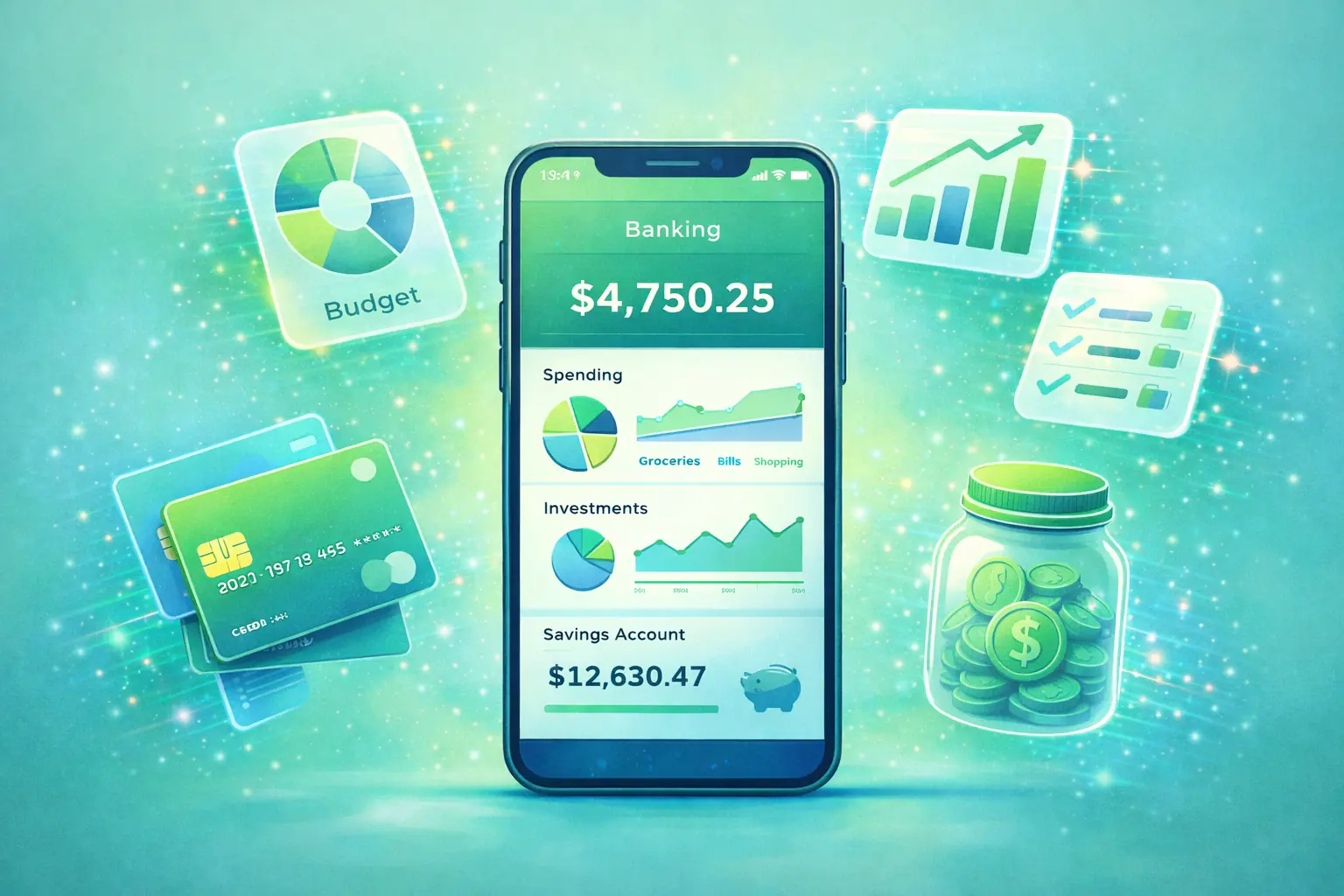
Finance is where AI makes an obvious difference. Money is patterns and numbers — exactly what AI is good at.
Budgeting Apps
Modern budgeting apps use AI to:
- Automatically categorise your transactions
- Predict upcoming expenses
- Warn you before you overspend
- Find subscriptions you forgot about
Popular options include YNAB, Money Dashboard, Emma, and Plum.
The AI handles the tracking. But you still need to understand your numbers. The Budget Calculator helps you see the big picture: income minus expenses equals what's left.
Banking and Payments
Your bank probably uses AI without telling you:
- Fraud detection (flagging unusual transactions)
- Personalised spending insights
- Smart notifications ("You've spent £50 more on food this week than usual")
- Predictive cash flow
These features are just there. You benefit without doing anything.
Investment Platforms
Robo-advisors use AI to manage investments:
- Build portfolios based on your risk tolerance
- Rebalance automatically when markets move
- Harvest tax losses
- Adjust strategy as your goals change
Popular options include Nutmeg, Wealthify, and Vanguard's digital service.
AI can't predict the stock market (nobody can). But it can manage a diversified portfolio without emotional decisions. For many people, that's better than DIY investing.
Use the Investment Calculator to understand how compound growth works. See what different return rates do over 10, 20, or 30 years. Then let AI handle the boring rebalancing.
Debt Management
AI debt tools analyse your debts and suggest the fastest or cheapest payoff strategy.
They consider:
- Interest rates on each debt
- Your available cash flow
- Upcoming expenses
- Psychological factors (small wins vs optimal maths)
The Credit Card Payoff Calculator shows you exactly what you're paying in interest. AI helps you find the money to pay it down faster.

AI Tools for Your Health
Health apps are getting smarter. Here's what's actually useful.
Fitness Tracking
Every smartwatch and fitness app now uses AI:
- Personalised calorie burn estimates based on your heart rate
- Workout suggestions based on your recovery status
- Trend analysis over weeks and months
- Anomaly detection (flagging unusual patterns)
The AI layer makes generic advice personal. "You should rest today" means more when it's based on your actual sleep and heart rate data.
The Fitness Calculator gives you baseline calorie burn estimates. Your tracker personalises them.
Nutrition and Diet
AI nutrition apps can:
- Recognise food from photos (sometimes)
- Learn your eating patterns
- Predict when you're likely to overeat
- Connect food to energy and mood
They're not perfect. Photo recognition fails often. Calorie counts are estimates.
But they're getting better. And the pattern recognition — "you eat more on stressful days" — is genuinely useful.
Use the Calorie Calculator to know your daily target. Use AI apps to see how your actual eating compares.
Sleep Analysis
Sleep tracking AI has improved dramatically:
- Sleep stage detection (light, deep, REM)
- Factors that affect your sleep (caffeine, alcohol, screens)
- Optimal bedtime suggestions
- Sleep debt tracking
"You got 7.5 hours but only 35 minutes of deep sleep" is actionable information.
Mental Health
AI is entering mental health carefully. Current tools include:
- Mood tracking with pattern analysis
- Guided meditation apps that adapt to you
- Journaling apps that reflect insights back
- Stress detection from physical signals
These aren't replacements for therapy or medication. But they're useful for self-awareness and mild support.
AI Tools for Learning and Research
Learning has always been about information. AI changes how you access and process that information.
AI Tutors
AI can explain concepts at your level. Don't understand something? Ask follow-up questions. Want it simpler? Ask for that.
"Explain compound interest like I'm 12" gets a different answer than "Explain compound interest mathematically."
This personalisation is powerful for learning. One-size-fits-all textbooks can't do it.
Language Learning
AI language apps adapt to your progress:
- Focus on words you struggle with
- Adjust difficulty in real time
- Correct pronunciation using voice recognition
- Have conversations in your target language
Duolingo, Babbel, and others all use AI now. The experience is more personalised than traditional classes.
Research Assistance
AI can summarise research papers, find relevant sources, and explain complex topics.
Be careful: AI sometimes makes things up. Always verify important facts from original sources.
For quick overviews, AI is great. For serious research, use it as a starting point, not a final source.
AI Tools for Creating Things
AI isn't just about consuming and analysing. It helps create too.
Image Generation
Tools like DALL-E, Midjourney, and Stable Diffusion create images from text descriptions.
"A cat wearing a business suit, sitting in an office, realistic photo style" — and you get exactly that.
Useful for:
- Social media graphics
- Presentation visuals
- Creative inspiration
- Fun
Not useful for:
- Accurate technical diagrams
- Images that need specific details (AI struggles with hands, text, etc.)
Video and Audio
AI can now:
- Generate voiceovers in multiple languages
- Edit video based on text instructions
- Create background music
- Transcribe and translate content
These tools are getting good enough for professional use. What required a studio five years ago can happen on a laptop now.
Code and Software
AI writes code. Not perfectly, but often good enough.
For non-programmers: You can describe what you want and get working code. Useful for automations, spreadsheet formulas, and simple scripts.
For programmers: AI is a very fast but slightly careless assistant. It speeds up routine work but needs oversight.
How to Choose Which Tools to Use
There are hundreds of AI tools now. You don't need most of them. Here's how to pick.
Start With Problems
Don't start with "I should use AI for something."
Start with "This task is annoying and takes too long." Then see if AI can help.
Practical problems AI solves well:
- Writing first drafts of routine documents
- Organising and scheduling
- Tracking health and fitness trends
- Managing money and finding savings
- Learning new skills
Try One Thing at a Time
Adding five AI tools at once is overwhelming. Pick one. Use it for a month. See if it actually helps.
If it does, keep it. If it doesn't, drop it and try something else.
Free vs Paid
Many AI tools have free tiers that are genuinely useful. Start there.
Paid features usually offer:
- More usage (higher limits)
- Better models (faster, smarter)
- Priority access
For most people, free tiers are fine.
Privacy Matters
AI tools often need access to your data. Email. Documents. Health information. Financial records.
Ask yourself:
- Do I trust this company?
- What's their privacy policy?
- Where is my data stored?
- Can I delete it later?
Some people are fine sharing everything. Others want more control. Know where you stand.
The Tools AI Can't Replace
AI is powerful, but some things still need human tools and human thinking.
Calculators
AI can do maths. But calculators are faster, more reliable, and transparent.
When you use the Loan Calculator, you see the formula. You understand the inputs. You can trust the output.
When AI says "your loan will cost about £45,000," you don't know how it got there. It might be wrong. It might be based on assumptions you didn't make.
For important numbers, use calculators:
- Budget Calculator — Know exactly where your money goes
- Mortgage Calculator — Understand your housing costs
- BMI Calculator — Get your actual number
- Compound Interest Calculator — See real growth projections
AI is for patterns and predictions. Calculators are for facts.
Human Judgement
AI doesn't understand values. It can't tell you:
- Should I take this job?
- Is this relationship worth saving?
- What matters most to me?
These are human questions. AI can provide information, but decisions are yours.
Professional Advice
AI is not a doctor, lawyer, or financial advisor.
It can provide general information. It can help you prepare questions. But for serious medical, legal, or financial decisions, talk to qualified humans.
Emotional Support
AI chatbots can simulate conversation. But they don't actually care.
For real emotional support, talk to real people — friends, family, or professionals.
Common Questions
Do I need to be technical to use AI tools?
No. The best AI tools are designed for regular people. If you can use a smartphone, you can use AI tools.
Are AI tools expensive?
Many are free or have free tiers. Paid versions typically cost £5-20/month for consumer tools. Often worth it if you use them regularly.
Will AI tools replace my job?
Some jobs will change. Repetitive tasks get automated. But most jobs have human elements that AI can't replace. The best approach: learn to use AI as a tool, not compete against it.
Is AI safe to use?
Generally yes for mainstream tools. Be careful about:
- What data you share
- Who owns the company
- Whether they have good security practices
How do I know if AI advice is good?
Verify important things independently. Use calculators for numbers. Use original sources for facts. Use your judgement for decisions.
Can I trust AI with my financial information?
Only with reputable tools. Look for:
- Bank-level encryption
- Regulatory compliance (FCA in UK)
- Clear privacy policies
- No selling data to third parties
Should I use AI for health decisions?
For tracking and patterns, yes. For medical decisions, no. AI can show you trends. Doctors diagnose and treat.
Getting Started
Here's a simple path to using AI well:
Week 1: Pick one AI tool in an area you care about. Productivity, health, or money. Use it daily.
Week 2: Learn its limits. What does it do well? What does it get wrong?
Week 3: Add a backup. For money, pair it with the Budget Calculator. For health, pair it with the Calorie Calculator. Verify AI insights with real numbers.
Week 4: Decide if it's worth keeping. If yes, integrate it into your routine. If no, try something else.
AI tools are most useful when you:
- Know what problem you're solving
- Understand what the tool can and can't do
- Verify important outputs
- Don't rely on any single tool completely
The future isn't humans OR AI. It's humans WITH AI. The people who thrive will be the ones who use these tools wisely — not blindly, not fearfully, but thoughtfully.
Start small. Stay curious. Keep checking the numbers.