How AI Tracks Your Daily Habits and What It Knows About Your Health

Table of Contents — How AI Tracks Your Daily Habits and What It Knows About Your Health
- The Data Trail You Leave Every Day
- How AI Finds Patterns You Don't Notice
- What Your Fitness Tracker Actually Knows
- AI and Your Eating Habits
- Sleep: Where AI Gets Really Useful
- Mood and Stress Patterns
- When AI Gets It Wrong
- Taking Control of Your Health Data
- Common Questions
The Data Trail You Leave Every Day
Every day, you create data without thinking about it.
Steps walked. Hours slept. Food eaten. Heart rate at different times. How long you stare at your phone. When you opened the fridge. How far you drove. What time you went to bed.
A few years ago, this data sat in separate apps. Your step counter didn't talk to your sleep tracker. Your food diary didn't know about your exercise.
Now, AI stitches it all together.
Your smartwatch, fitness app, calorie tracker, and phone combine their data. AI looks at all of it at once. And it starts to see things you can't.
This isn't science fiction. It's what the apps on your phone are doing right now.
This guide explains how AI reads your habits, what it can tell about your health, and how to use these insights without giving up control. We'll connect AI predictions to the real numbers from calcfort.com calculators — because patterns are interesting, but you still need to understand the actual maths.
How AI Finds Patterns You Don't Notice
AI does four main things with your health data. Once you understand these, the "magic" makes sense.
1. Pattern Recognition
You have habits you don't even know about.
Maybe you walk more on weekends. Maybe you snack more after 9pm. Maybe your heart rate jumps during certain meetings. Maybe you sleep worse on days you skip breakfast.
You don't notice these patterns because you're living them. AI notices because it's looking at weeks or months of data at once.
This is how fitness apps can say things like:
- "You tend to eat more on Fridays."
- "You walk 2,000 fewer steps on rainy days."
- "Your sleep quality drops when you drink alcohol."
The Calorie Calculator tells you how many calories you need. AI tells you when you're most likely to overshoot.
2. Sequence Analysis
AI doesn't just look at single days. It looks at what happens in order.
If X happens, then Y usually follows.
Examples:
- Sleep less than 6 hours → walk 1,500 fewer steps the next day
- High stress day → higher resting heart rate
- Skip workout → eat 300 more calories
These cause-and-effect patterns help AI make predictions. "Based on last night's sleep, you might want to lower your workout intensity today."
3. Anomaly Detection
AI learns what's normal for you. Then it watches for things that aren't normal.
Your resting heart rate is usually 62. Today it's 78. That's unusual. Maybe you're getting sick. Maybe you're stressed. Maybe you had too much caffeine.
AI flags these anomalies so you can investigate. Often, you'll know exactly why. Sometimes, you won't — and that's worth paying attention to.
4. Prediction
Once AI knows your patterns, it can guess what comes next.
- "Based on your schedule, you'll probably get 6 hours of sleep tonight."
- "Your weight typically goes up 1-2 pounds after holidays."
- "You tend to feel tired on Wednesdays."
Predictions aren't always right. But they're often useful for planning.
What Your Fitness Tracker Actually Knows
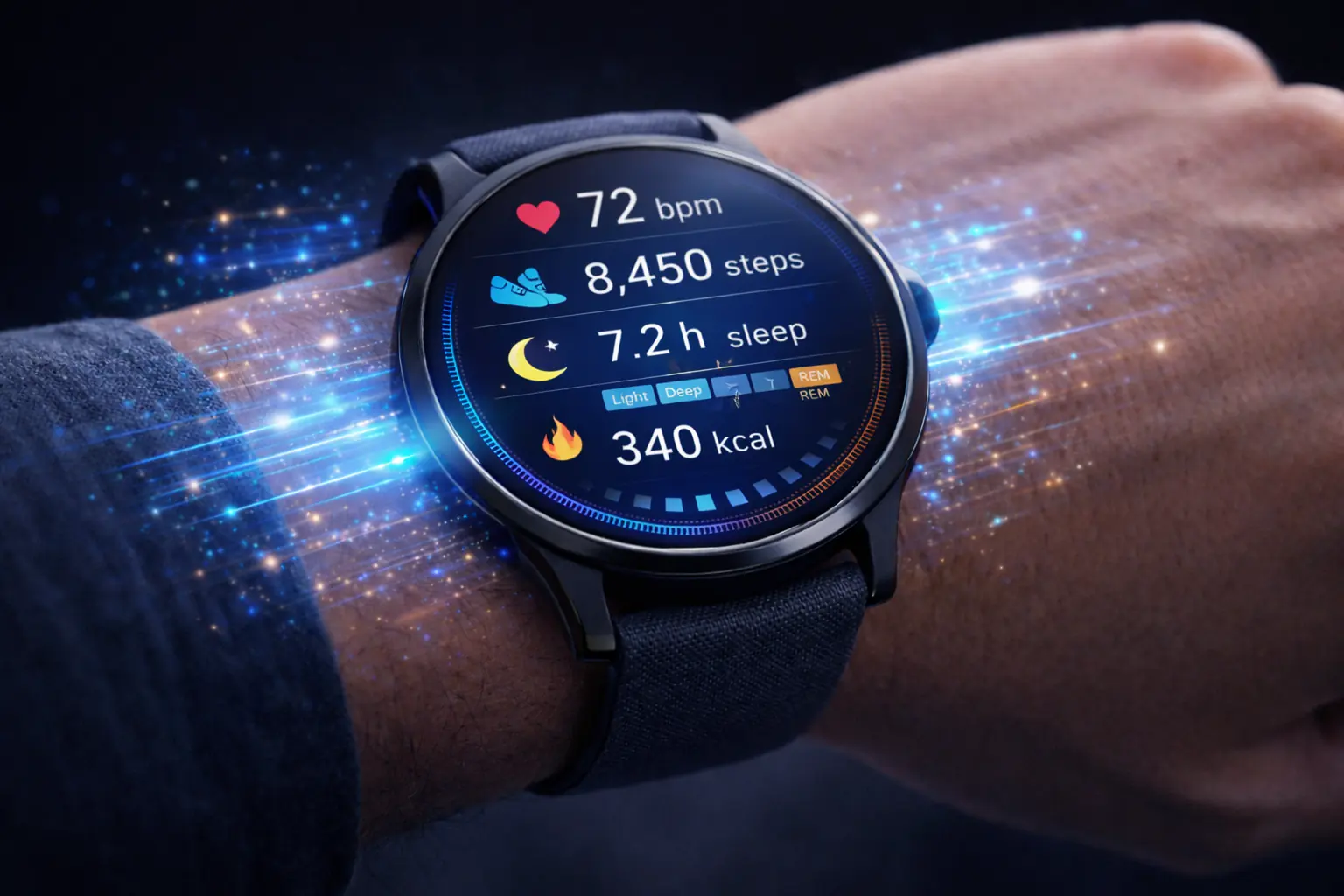
Let's talk about the data your devices collect and what AI does with it.
Steps and Movement
This seems simple. You walked 8,000 steps. Done.
But AI looks deeper:
- When did you walk? Morning? Evening? All at once or spread out?
- How does today compare to your average?
- What's the trend over weeks and months?
- How does movement correlate with your sleep and mood?
"You average 7,200 steps on workdays but 10,500 on weekends" is more useful than just today's number.
Heart Rate
Your watch tracks heart rate all day. AI extracts several useful numbers:
Resting heart rate (RHR): Your heart rate when you're completely calm. Lower is generally better. Over time, this shows your cardiovascular fitness improving or declining.
Heart rate variability (HRV): The tiny variations between heartbeats. Higher HRV usually means your body is recovered and ready for stress. Lower HRV can mean fatigue, illness, or overtraining.
Active heart rate: How high your heart rate goes during exercise. AI uses this to estimate calories burned more accurately than just using time and activity type.
The Fitness Calculator gives you standard calorie estimates. Your heart rate data makes those estimates more personal.
Calories Burned
Your tracker estimates calories burned using:
- Your movement (steps, activities)
- Your heart rate
- Your body stats (age, weight, height)
- Time of day and duration
This estimate is pretty good for relative comparisons. "Today I burned more than yesterday." It's less reliable for absolute numbers. Most trackers are off by 10-30%.
Use the Calorie Calculator for your baseline needs. Use your tracker for trends and comparisons.
Exercise Detection
Modern trackers can tell what you're doing. Walking, running, cycling, swimming, weight training. AI recognises the movement patterns.
This means automatic workout logging. No more forgetting to press "start."
AI and Your Eating Habits
Food tracking is where AI gets personal.
What Food Apps Learn About You
If you log your food (even inconsistently), AI picks up patterns:
- Timing patterns. You eat your biggest meal at 8pm. You snack between 3-5pm.
- Day-of-week patterns. Weekend eating is different from weekday eating.
- Emotional patterns. Stress days have more snacks. Busy days have more takeaway.
- Seasonal patterns. You eat more in winter. You drink more in summer.
Connecting Food to Everything Else
Here's where it gets interesting. AI connects food to other data:
- Poor sleep → more carb cravings the next day
- High stress → emotional eating in the evening
- Skipped workout → lower calorie needs but same eating
"You eat 400 more calories on days you sleep less than 7 hours."
That kind of insight can change behaviour.
Calorie Accuracy
Food logging is notoriously inaccurate. People underestimate portions, forget snacks, and make mistakes.
AI helps by:
- Suggesting likely foods based on past behaviour
- Flagging when logged calories seem too low
- Learning your typical portions over time
But the Calorie Calculator remains your foundation. It tells you what you should be eating based on your goals. AI helps you see what you're actually eating.
Sleep: Where AI Gets Really Useful
Sleep tracking used to be basic. Hours slept. That's it.
Now AI goes much deeper.
Sleep Stages
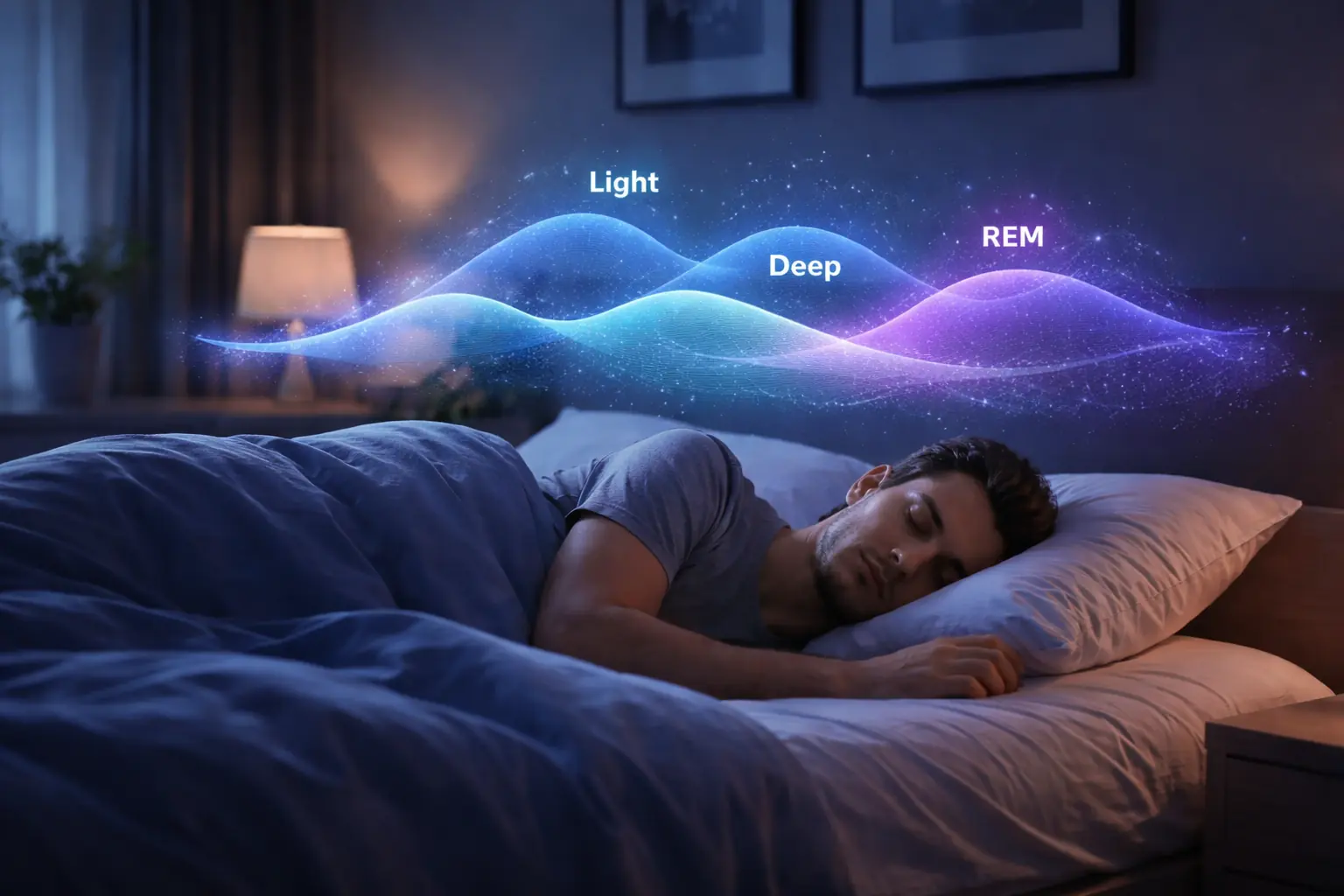
Your tracker estimates time in different sleep stages:
- Light sleep: Easy to wake up, body relaxing
- Deep sleep: Hard to wake up, body repairing
- REM sleep: Dreaming, brain processing memories
Deep sleep matters most for physical recovery. REM matters most for mental recovery.
"You got 8 hours but only 30 minutes of deep sleep" is very different from "You got 6 hours with 90 minutes of deep sleep."
Sleep Patterns
AI connects your sleep to everything else:
- Caffeine timing. "When you have coffee after 2pm, your deep sleep drops 40%."
- Exercise impact. "Morning workouts improve your sleep. Evening workouts don't."
- Screen time. "Phone use after 10pm delays your sleep onset by 25 minutes."
- Alcohol. "Even one drink reduces your sleep quality by 15%."
These personalised insights are more useful than general advice. You can see exactly what affects YOUR sleep.
Sleep Predictions
Based on patterns, AI predicts:
- "Based on your schedule, you'll probably get to bed at 11:30."
- "If you continue this week's pattern, you'll be sleep deprived by Friday."
- "Your sleep debt this week is about 4 hours."
The BMR Calculator shows how many calories your body needs at rest. Poor sleep can reduce your metabolism and increase hunger hormones — both of which affect that number in the real world.
Mood and Stress Patterns
This is newer territory for AI, but it's developing fast.
Physical Signs of Stress
Even without asking how you feel, AI can spot stress through:
- Higher resting heart rate
- Lower heart rate variability
- More restless sleep
- Changed movement patterns
- Different phone usage
"Your stress markers are elevated compared to your baseline. Consider some recovery time."
Self-Reported Mood
Some apps ask you to rate your mood. Over time, AI connects mood to:
- Sleep from the night before
- Exercise or lack of it
- Social activities
- Work schedule
- Weather
"You rate your mood lower on days after poor sleep. Prioritising rest might help."
The Feedback Loop
This is powerful: AI can show you what actually makes you feel better.
"When you walk at least 8,000 steps, you rate your mood 20% higher the next day."
That's not generic advice. That's your personal data showing what works for you.
When AI Gets It Wrong
AI isn't perfect. Here's where it struggles.
False Patterns
Sometimes AI finds patterns that aren't real. With enough data, you can always find correlations.
"You lose weight on days you wear blue shirts" might be technically true but completely meaningless.
Good AI tools account for this, but some don't. Be sceptical of patterns that don't make logical sense.
Missing Context
AI doesn't know why things happen. It only sees what happened.
Your heart rate spiked during a meeting. AI flags it as stress. Actually, you were excited about a project. Context matters, and AI doesn't have it.
Individual Variation
AI is trained on population data. If you're unusual in some way, the predictions might not fit you.
Maybe you function fine on 6 hours of sleep. Maybe you have an irregular heart rhythm. Maybe your genetics affect your metabolism differently.
The BMI Calculator gives you a number, but that number doesn't tell the whole story for everyone. Same with AI insights.
Data Gaps
AI needs data to work. If you don't wear your tracker, don't log food, or don't use the apps consistently, predictions suffer.
Garbage in, garbage out. The quality of AI insights depends on the quality of your data.
Taking Control of Your Health Data
AI insights are useful. But you should still understand the fundamentals.
Use Calculators for Baselines
AI shows trends and patterns. Calculators show the actual numbers.
- BMI Calculator — Where are you on the weight scale?
- Calorie Calculator — How much should you eat?
- BMR Calculator — What does your body burn at rest?
- Body Fat Calculator — What's your body composition?
- Fitness Calculator — How many calories does exercise burn?
These give you the foundation. AI adds the personalisation layer on top.
Don't Obsess Over Daily Numbers
AI tracks everything, all the time. That's useful for finding patterns. It's dangerous for your mental health if you obsess.
Weight fluctuates day to day. Sleep quality varies. Heart rate changes for many reasons.
Look at trends over weeks and months. Ignore daily noise.
Remember: Patterns, Not Diagnoses
AI can say "your heart rate variability is lower than usual." It cannot say "you have a heart condition."
AI offers patterns. Doctors offer diagnoses. Don't confuse them.
If AI flags something concerning that persists, see a doctor. Don't let an app replace medical care.
Control Your Data
Know where your health data goes. Most apps have privacy settings. Use them.
Decide what you're comfortable sharing. Some people are fine with their data being used for research. Others aren't. It's your choice.
Common Questions
Does AI replace medical advice?
Never. AI shows patterns, not diagnoses. If you're concerned about your health, see a doctor. Apps are tools, not doctors.
How much data does AI need to find patterns?
Most apps start showing useful patterns after 7-14 days. Better insights come after months of consistent data.
Can AI predictions be wrong?
Yes. All the time. Predictions are probabilities, not certainties. Use them as one input, not the only input.
Is my health data private?
It depends on the app. Read privacy policies. Look for apps that don't sell data to third parties. Use apps from companies with good reputations.
Should I trust AI recommendations?
Trust but verify. If AI says "you should sleep more," that's probably good advice. If AI says "you have a disease," get a second opinion from a real doctor.
How accurate are calorie estimates from trackers?
Roughly 10-30% off. Good enough for comparisons ("burned more today than yesterday"). Not perfect for absolute numbers. The Calorie Calculator gives you a baseline to work from.
Can AI help me lose weight?
It can help by:
- Showing you patterns you didn't notice
- Predicting when you're likely to overeat
- Connecting your food, sleep, and stress
- Keeping you accountable
But it can't do the hard work for you. You still have to make choices.
Putting It All Together
AI has changed health tracking from "recording what happened" to "understanding what it means."
That's powerful. But it's only useful if you engage with it thoughtfully.
Here's a simple approach:
-
Track consistently. Wear your device. Log your food. Use the apps. AI needs data to work.
-
Know your baselines. Use calcfort.com calculators to understand your numbers. BMI, calories, BMR, body fat.
-
Look for patterns. What does AI notice that you didn't? Which patterns make sense? Which seem random?
-
Experiment. AI says coffee after 2pm hurts your sleep? Test it. Go two weeks without late coffee. See if your sleep improves.
-
Don't obsess. Check your data weekly, not hourly. Trends matter more than daily numbers.
-
Stay sceptical. AI is smart but not perfect. Question predictions that don't make sense. Remember it's a tool, not an oracle.
The combination of AI pattern recognition and solid calculators gives you more insight into your health than any generation has had before. Use it wisely.
Related Calculators
- Calorie Calculator — Daily calorie needs
- BMI Calculator — Body mass index
- BMR Calculator — Basal metabolic rate
- Body Fat Calculator — Body composition
- Fitness Calculator — Exercise calories